Player comparison
Sky Glass IPTV vs TiviMate: Which Player Is Better for Your Setup?
Compare Sky Glass IPTV vs TiviMate, explore features, check Firestick compatibility & fix login issues to choose the right IPTV player for your setup today.
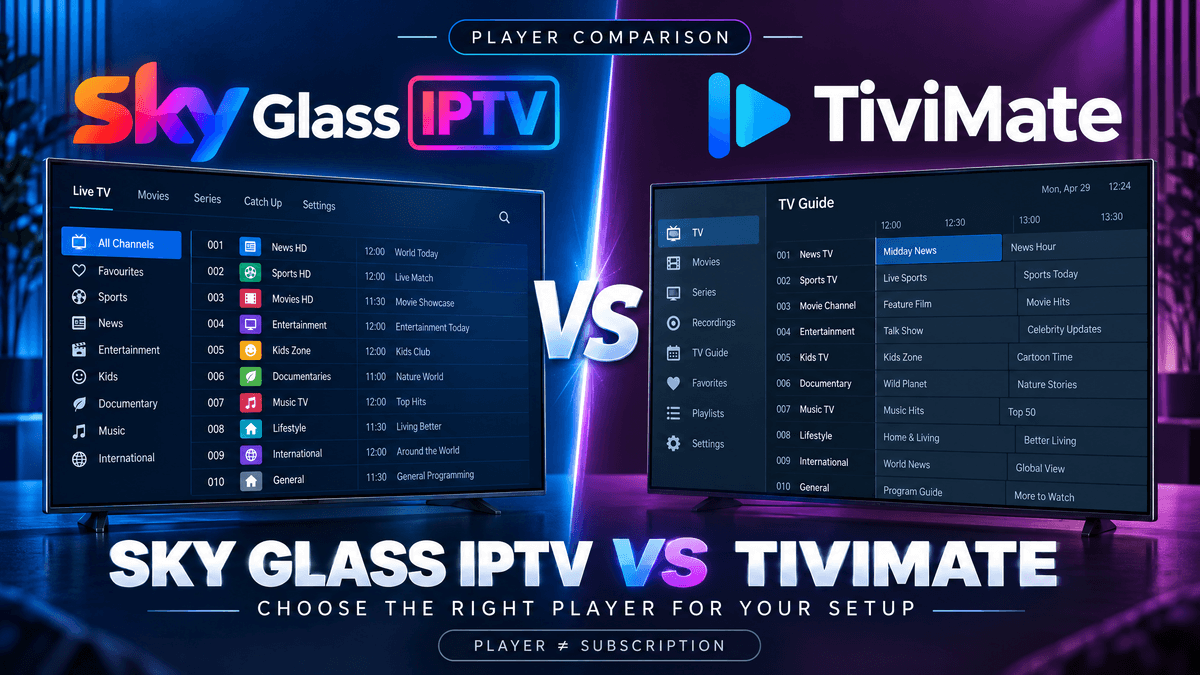
Choosing between Sky Glass IPTV and TiviMate depends on your IPTV provider, streaming device, and the features you want. If you prefer a familiar interface and an app recommended by your provider, Sky Glass IPTV may be the more convenient option. If you want greater control over playlists, the TV guide, and the viewing interface, TiviMate is worth considering, provided it supports your setup.
A key point is that an IPTV player and an IPTV subscription are not the same thing. TiviMate is a media player that requires you to add your own playlist or compatible service credentials. Paying for TiviMate Premium unlocks application features, not television channels or an IPTV subscription.
If you have seen reports that TiviMate does not work with a particular IPTV provider, do not assume that the app is universally incompatible. The issue may relate to the provider’s connection method, playlist details, or device configuration. Let’s compare the two options and explain how to choose the right one.
What Is the Difference Between Sky Glass IPTV and TiviMate?
Sky Glass IPTV, as discussed in IPTV player communities, can refer to a provider-branded or customised player interface. The precise app and its features depend on the version supplied by the provider. TiviMate is a separately developed IPTV player designed primarily for Android TV devices.
The main difference is how each fits into your existing setup.
Sky Glass IPTV
May offer a provider-recommended viewing interface and a setup process tailored to that service.
TiviMate
Offers playlist management, a customisable TV guide, favourites, search, and other playback-management features.
Your IPTV provider
Supplies the subscription or playlist access, where applicable. It determines which content and credentials you receive.
TiviMate officially supports common playlist and connection formats, including M3U, Xtream Codes and Stalker Portal. However, your provider must supply compatible details, and not every service will work with every player.
Sky Glass IPTV vs TiviMate: Quick Comparison
| Feature | Sky Glass IPTV | TiviMate |
|---|---|---|
| Main purpose | Provider-branded or customised IPTV interface | Independent IPTV media player |
| Content included | Depends on the associated service or subscription | No channels or content included |
| Setup | Follow the provider’s instructions | Add a supported playlist or compatible account |
| Interface | Depends on the supplied app | Highly customisable TV interface |
| Playlist management | Depends on the app version | Supports multiple playlists |
| Electronic programme guide | Depends on provider and app support | Supports EPG data |
| Favourites and search | Depends on available features | Both supported |
| Advanced viewing features | Varies by app and service | Features include multiview and recording, subject to compatibility |
| Device compatibility | Verify with the provider | Designed for Android TV devices |
| Best suited to | Users wanting the provider’s recommended setup | Users wanting more control over playlist organisation |
TiviMate’s features are documented by its official website and Google Play listing. Features such as recording and catch-up may depend on the playlist, provider and device, so their availability should not be assumed for every account.
Why Some Users Prefer Sky Glass IPTV
Sky Glass IPTV may be the better starting point if it is the player your provider recommends for its service.
A provider-recommended setup
If your provider supplies specific installation instructions for its Sky Glass IPTV app, following those instructions can reduce confusion. You can ask support which app version, login method, and device are supported. This is especially useful if you are new to IPTV and would rather follow one documented setup than configure a separate player yourself.
A familiar interface
Some users prefer a provider-branded interface because it may resemble the layout they already use. The actual appearance and available options depend on the specific app version, so check the version supplied to you rather than assuming every Sky Glass IPTV app looks or behaves the same way.
Easier provider-specific troubleshooting
When you use the recommended app, the provider may be better placed to guide you through installation and account configuration. That does not guarantee every problem will be easier to fix — it simply gives you a clear starting point for login details, account status, or playback help.
A potentially simpler choice for beginners
If you mainly want to open your service and watch content, you may not need the advanced playlist controls offered by TiviMate. Before choosing, confirm that the provider’s recommended app works with your device and that your subscription includes the content you expect.
Why TiviMate Is Popular With IPTV Users
TiviMate is worth considering if you want more control over how your playlists are organised and displayed.
Playlist management
TiviMate supports multiple playlists, allowing users to organise and switch between compatible sources in the same application. This can be useful if you legitimately use more than one compatible playlist and prefer to manage them through a single interface.
A customisable electronic programme guide
TiviMate offers an electronic programme guide (EPG) for browsing programme schedules. It also supports features such as search and favourites. The quality of the guide still depends on the programme data supplied by your source — missing listings will not necessarily be fixed by changing players.
Advanced viewing features
Depending on the setup, TiviMate supports multiview, recording and catch-up functionality. These features can appeal to users who want more than basic channel playback. However, availability depends on the source, device, and relevant feature support.
More control over the interface
TiviMate is designed for television screens and remote-control navigation, with options to customise the viewing experience. It is not optimised for phones and tablets. If you enjoy organising channel groups, favourites and playlists, that level of control may be a major advantage.
Understand the cost before you choose
TiviMate offers a free application with paid upgrades. Its paid subscription or premium purchase unlocks player features and does not provide an IPTV content subscription. Check the current terms and price in the official app listing before purchasing.
TiviMate Not Working With Your IPTV Provider? Here’s What to Check
This is one of the most important parts of the comparison. Some users reported that TiviMate did not work with their provider and asked about free alternatives. If TiviMate is not connecting, try these checks before switching apps.
Check your login details
Verify your username and password. Check the server address or playlist URL supplied by your provider. Look for typing errors or accidental spaces.
Confirm the connection method
Ask your provider which connection method it supports. TiviMate supports M3U playlists, Xtream Codes, and Stalker Portal, but your provider must offer compatible credentials.
Check whether your account is active
Confirm that your subscription is active and that you are using the correct account details. If your credentials are rejected, ask the provider to verify the account.
Check device compatibility
TiviMate is designed primarily for Android TV. If you are using a different operating system or device type, verify compatibility before troubleshooting further.
Test the provider’s recommended player
If the same credentials fail in TiviMate, ask your provider whether the service is intended to work with TiviMate or requires its own application. Avoid repeatedly purchasing subscriptions or reinstalling apps until you understand the cause.
Does TiviMate Work Better Than Sky Glass IPTV on Firestick?
There is no universal winner. The result depends on the exact app, provider, and device setup.
TiviMate is designed for Android TV devices and may be suitable for a compatible Fire TV setup. However, you should confirm that the version you install is compatible with your device and that your provider supports the required connection method.
Consider these points:
- Choose TiviMate if you want playlist organisation, a customisable EPG and supported advanced features.
- Choose the provider-recommended Sky Glass IPTV app if you want to follow the provider’s specific setup instructions.
- If TiviMate fails to connect, verify the credentials and supported connection method before concluding that the player is at fault.
- If an app is not available through your device’s official store, check the provider’s current instructions and verify the application’s source before installing it.
Neither player can guarantee smooth playback. Internet quality, device performance, playlist quality, and service availability all affect the viewing experience. See also our buffering fixes guide.
Which IPTV Player Should You Choose?
Your best option depends on what matters most to you. If you are unsure, first confirm compatibility with your provider. There is little benefit in paying for a player or subscription before establishing that your existing setup will work.
Choose Sky Glass IPTV if:
- It is the application recommended by your IPTV provider.
- You prefer to follow provider-specific setup instructions.
- You do not need extensive playlist customisation.
- You want to contact your provider for help with the supported app.
Choose TiviMate if:
- Your device is compatible with Android TV applications.
- Your provider confirms that its connection method is supported.
- You want playlist management and EPG customisation.
- You want to use supported features such as favourites, search and multiview.
Frequently Asked Questions
Conclusion
Sky Glass IPTV and TiviMate serve different needs. A provider-recommended app can be the simplest route to getting started, while TiviMate offers more control over playlists and the viewing interface for compatible devices and services.
If TiviMate is not working with your provider, check the credentials, connection method and device compatibility before changing players. If the provider recommends its own app, start there and ask support to confirm the correct setup.
For more information about your available service and setup options, visit the Sky Glass IPTV website and confirm which applications are supported for your account.