Account & renewal
Sky Glass IPTV Subscription Expired? Here's What to Do
Sky Glass IPTV subscription expired? Check your account status, renew Standard or Premium plans, fix post-renewal issues, and compare 12-month options.
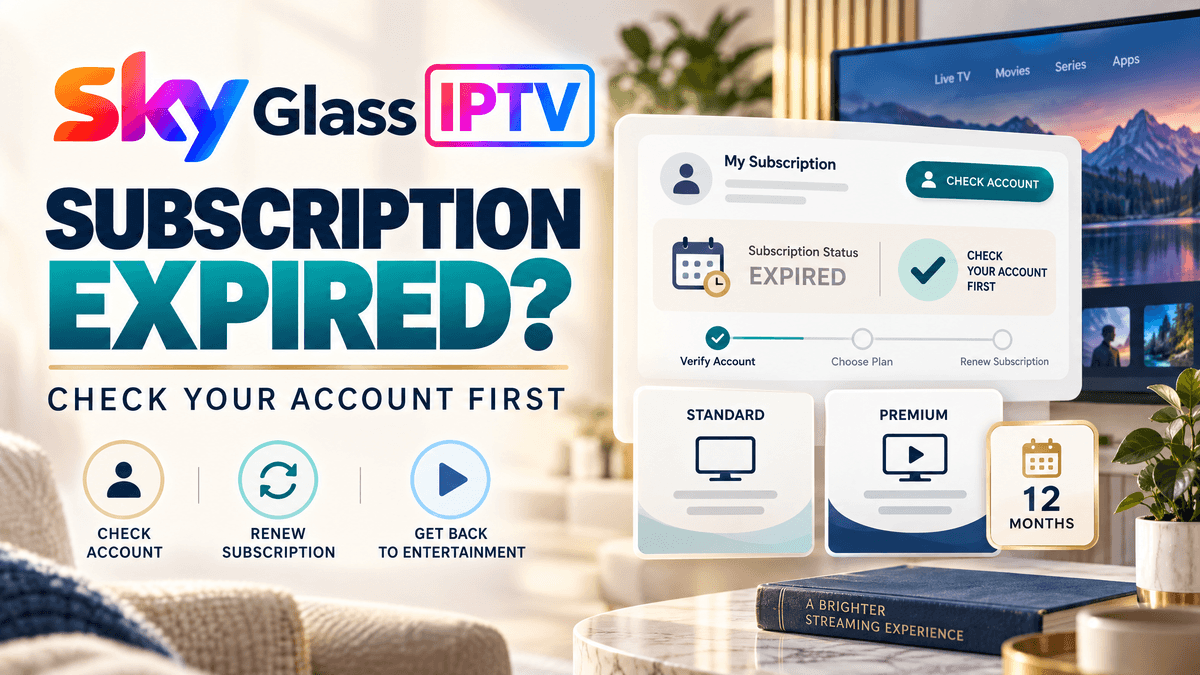
Has your Sky Glass IPTV subscription expired, or has your app suddenly stopped playing channels? Before paying for another subscription or reinstalling the app, check your account status. The problem could be an expired plan, an account that has not updated after renewal, incorrect login details, or a temporary connection issue.
If your subscription has genuinely ended, contact Sky Glass IPTV support to confirm the renewal options for your existing account. You can compare Standard and Premium packages and choose a subscription duration that suits your viewing habits.
For regular viewers who have already tested the service and are happy with it, a 12-month IPTV subscription may offer a convenient way to manage renewals while keeping the average monthly cost predictable. Before paying, confirm the current price, package features, and connection allowance.
How to Check Whether Your Sky Glass IPTV Subscription Has Expired
An IPTV subscription-expired message does not always mean your account has definitely reached its end date. Follow these quick checks before ordering a renewal.
Check your expiry date
Review your account details or previous renewal confirmation.
Review your payment
Check whether your latest payment was completed.
Read the error message
An expiry message differs from a connection or playback error.
Test multiple channels
If only one channel fails, the problem may be limited to that stream.
Contact support
Ask the provider to confirm your account status before paying again.
If your subscription has expired, renewal may restore access. If you have already paid, ask support to verify the transaction before making another payment.
How to Renew Your Sky Glass IPTV Subscription
If your subscription has expired, contact the support team through the official Sky Glass IPTV contact page.
Contact support
Explain that your subscription has expired or stopped working.
Identify your account
Provide the requested account details privately.
Choose your package
Select Standard or Premium and your preferred duration.
Confirm the price
Check the total cost, package features, and device connection allowance.
Complete the renewal
Follow the payment instructions confirmed by support.
Test your service
Once renewal is confirmed, reopen the app and check several channels.
You should not normally need to reinstall an otherwise working IPTV app simply because your subscription has expired. The app and subscription are separate, and installing the player does not automatically reactivate your account.
If you are an existing customer, ask whether your current account can be renewed rather than creating a new one.
Sky Glass IPTV Subscription Packages and Prices
The Sky Glass IPTV plans page lists Standard and Premium subscriptions with different durations. Confirm current pricing before ordering.
| Subscription duration | Standard | Premium |
|---|---|---|
| 1 month | £12 | £15 |
| 3 months | £20 | £25 |
| 6 months | £30 | £40 |
| 12 months | £45 | £60 |
Standard vs Premium: Which Should You Choose?
Standard
May suit viewers whose needs are covered by the package’s available live TV, films, series, and other included features.
Premium
May be more appropriate for customers who want the broader selection and additional features listed for that package.
Before renewing, consider:
- Which channels and content categories you actually use.
- Whether the available features meet your viewing needs.
- Whether you need additional simultaneous connections.
- Whether the price difference justifies the extra features for you.
Always confirm the current package details and content availability before paying.
Why Consider a 12-Month IPTV Subscription?
If you regularly use Sky Glass IPTV and are satisfied with your experience, a yearly subscription may be a convenient option. Rather than renewing every few months, you can choose a longer term and plan your next renewal in advance.
- Fewer renewal reminders: You do not need to repeat the renewal process every three or six months.
- Predictable overall cost: You know the total price for the selected subscription term before paying.
- Convenience for regular viewers: A yearly plan can suit households that expect to continue using the service.
- A lower monthly equivalent: Based on the listed prices, Standard at £45 works out to £3.75 per month, while Premium at £60 works out to £5 per month.
- A choice of packages: You can select Standard for your essential viewing needs or consider Premium if its additional features matter to you.
- Less frequent account administration: With a longer subscription period, you can spend less time managing renewals.
Is a Yearly IPTV Subscription Right for You?
A 12-month plan may be suitable if you have already tested the service, confirmed device compatibility, and expect to use it regularly.
However, a longer subscription requires a larger upfront payment. If you are new to the service, unsure about compatibility or experiencing playback problems, consider a shorter plan or an available trial before committing to a full year.
The best approach: compare the available subscription plans, check the current prices and select the duration that matches your needs and budget.
Why Does Sky Glass IPTV Say Subscription Expired?
An expired-subscription message can have several causes. Do not buy another subscription or delete the app until you have checked the account status.
Expired plan
Check your account’s end date and renewal options.
Delayed renewal update
If you have paid, ask support to verify the transaction.
Incorrect login details
Check your username and password for typing errors.
Connection limit
Check whether you have reached your package’s permitted device connections.
Temporary service issue
If your account is active, the problem may be related to the app or service.
Sky Glass IPTV Not Working After Renewal? Try These Fixes
If your payment has been confirmed but the service still does not work, try these quick fixes.
IPTV login not working
Check your username and password. Remove accidental spaces or typing errors. Ask support to verify your account status.
App stuck on loading
Close and reopen the app. Check your internet connection. Restart your device if the problem continues.
IPTV channels not loading
Test several channels. Check your account status and internet connection. Contact support if all channels remain unavailable.
IPTV buffering
Move closer to your Wi-Fi router. Pause other downloads or streaming activity. Test another supported device or connection.
App keeps closing
Restart your device. Check for available app or system updates. Ask support for installation guidance before reinstalling.
Quick IPTV Troubleshooting Table
| Problem | Possible cause | Quick fix |
|---|---|---|
| Subscription expired | Plan ended or status issue | Check expiry date and contact support |
| Login rejected | Incorrect credentials | Verify your account details |
| Channels not loading | Network or account issue | Test multiple channels |
| Buffering | Wi-Fi or stream issue | Improve connection |
| App crashing | App or device issue | Restart and check updates |
| Paid but still expired | Renewal not reflected | Contact support before paying again |
How to Avoid IPTV Subscription Interruptions
A few simple habits can help you manage future renewals. If you already use Sky Glass IPTV regularly, reviewing the yearly plans before your subscription ends can help you avoid a last-minute renewal decision.
- Set an expiry reminder: Add the date to your calendar.
- Keep payment confirmation: Save your order reference until access is restored.
- Check your account first: Confirm whether renewal is actually required.
- Review your subscription duration: Choose a term that suits your budget and viewing habits.
- Store login details securely: Keep your account information accessible without sharing it publicly.
Frequently Asked Questions
Conclusion
If your Sky Glass IPTV subscription has expired, check your account status before purchasing another plan. If you have already paid, ask support to verify your transaction. For login errors, buffering, or missing channels, troubleshoot the underlying issue instead of assuming your subscription has ended.
If you are a regular viewer who is happy with the service, compare the 12-month Standard and Premium plans to find the option that best matches your viewing needs and budget.
Visit the Sky Glass IPTV subscription plans page to compare available options, or contact Sky Glass IPTV support to ask about renewing your existing account.